Posted on 5/21/2023, 5:06:00 AM
Modified on 8/8/2026, 4:07:58 PM
 Foxelyss
Reading time 3min.
Talking to 74hc595 7 segment display
74HC595 7‑segment display with 8 digits and Arduino
Since there isn’t a proper tutorial for this display, I’m attaching at least a backup of the post from arduino.on.kg. It contains code for a 4‑digit display, but not for 8 digits. First read that, then come back here – the explanations are good.
So I’m providing a link to my expanded code, which works with 74HC595 displays.
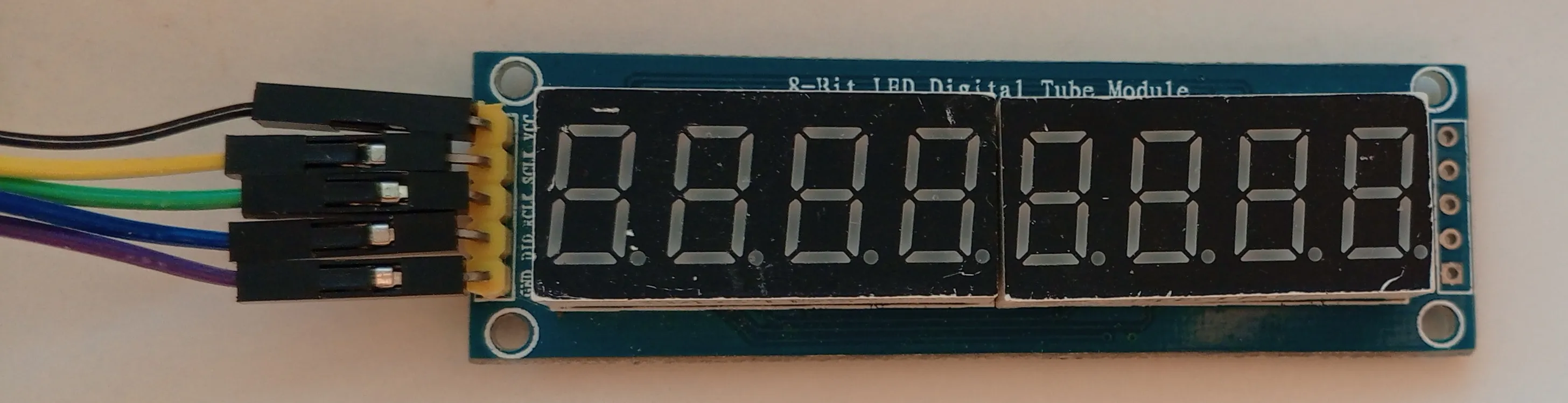
But let’s go step by step. The display looks like this:
From the top
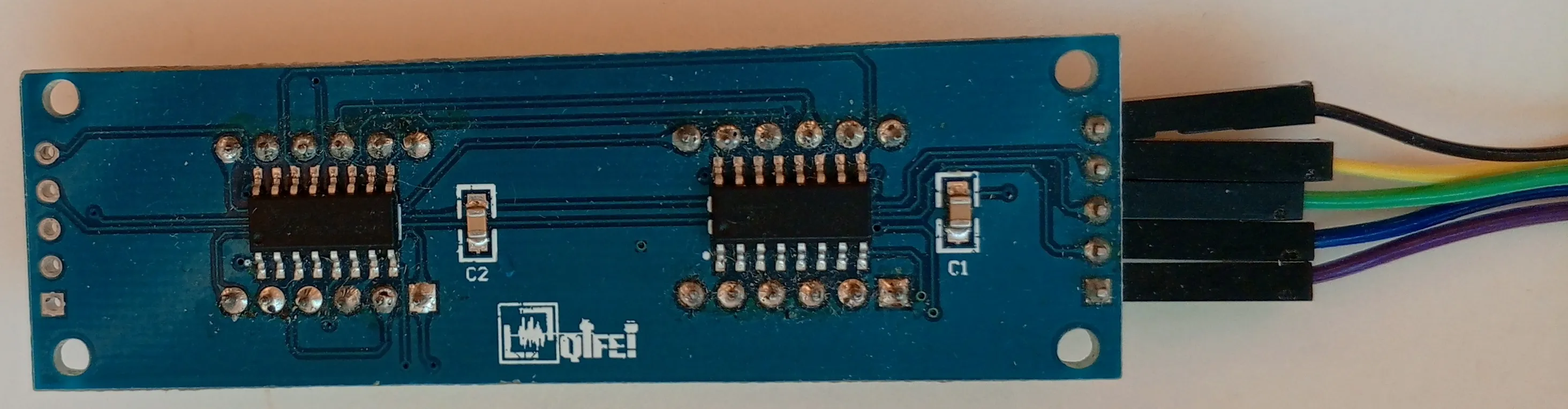
From the bottom
Below is the driver code for the display; set the number of digits in the Digits constant.
/* * Pin connections for a 7‑segment display driven by 74HC595 * Display[+5V] * Display[SCLK] → PIN6 * Display[DIO] → PIN5 * Display[RCLK] → PIN4 * Display[GND] */
const int Latch = 4; // RCKconst int Clock = 6; // SCK
const int Digits = 8; // Number of digits
const int Start = 1 << (Digits - 1);
/* * Encode the segments for each numeral */// Digits 0 1 2 3 4 5 6 7 8 9byte symbolsEncoded[10] = {0xC0, 0xF9, 0xA4, 0xB0, 0x99, 0x92, 0x82, 0xF8, 0x80, 0x90};
/* * Decimal point for a digit */byte pointDigit = 0x80;
// Screen buffer, left‑to‑rightbyte screenBuffer[8] = {1,2,3,4,5,6,7,9};
void setup(){ // Set all used pins as outputs pinMode(Latch, OUTPUT); pinMode(Clock, OUTPUT); pinMode(Data, OUTPUT);
Serial.begin(9600);}
void loop(){ for (int i = 0; i < Digits; i++) { // To start communication with the display we pull the latch pin low. // While the latch is low we can shift out the value that encodes // the required segments for the desired digit position. digitalWrite(Latch, LOW);
// First we send the byte that encodes the numeral from our buffer shiftOut(Data, Clock, MSBFIRST, symbolsEncoded[screenBuffer[i]]);
// Then we send the byte that encodes its position shiftOut(Data, Clock, MSBFIRST, Start >> i);
// Finally we “latch” the data: set the latch pin high. // If you don’t do this the display will show a garbled “mash” // of lit segments. digitalWrite(Latch, HIGH); // [!code focus] }}In the original post there was an array of digit positions that didn’t work on my Arduinos at all, and I tried three different versions, so here I compute the position logically. In line 15 I find the left‑most digit, i.e. digit 4, which therefore is 0b1000 → 0b1000 0000. Then I shift one place to the right using bit shifts, obtaining 0b0100. This lets the processor handle the position faster than looking it up in an array.
I hope the buffer helps you drive and animate the screen more freely. You can also add screen updates via an interrupt so that even in the most demanding tasks the display never lags.
It’s also possible to send numbers (and some letters) to the display over the serial terminal – I trust you can implement that yourself!